GenMail · Outlook Alternative
The Outlook alternative that keeps your Outlook account
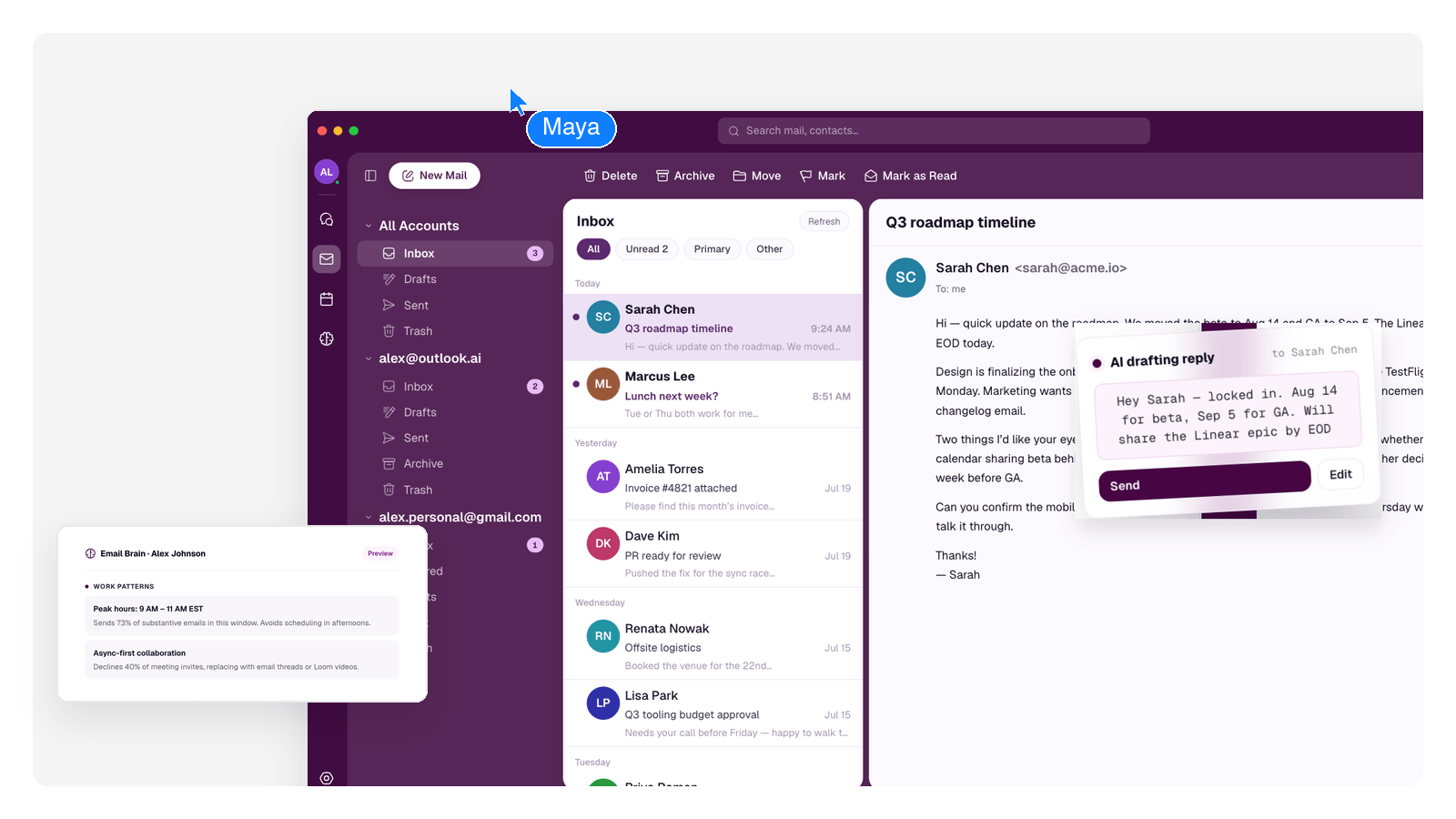
Most people searching for an Outlook alternative want a better app, not a new email address. GenMail connects your existing Outlook or Microsoft 365 account through the official sign-in — same address, same mail, plus an AI agent that triages, drafts, and briefs you every morning.
- Your Outlook account, unchanged
- Drafts written in your voice
- Morning Brief every day
- macOS & Windows
GenMail vs Outlook
5 dimensionsThe honest version: Outlook is a capable client with a huge ecosystem. The difference is what happens to your mail when you're not looking at it.
| Dimension | GenMail | Outlook |
|---|---|---|
| AI in the inbox | Built around it: an agent reads incoming mail, stages replies in your voice, and compiles a Morning Brief of what needs you. Nothing sends without your review. | Copilot adds drafting and summaries on eligible Microsoft 365 plans; assistance is per-message rather than working your inbox as a whole. |
| Triage & follow-ups | Automatic labeling, newsletters rolled into a digest, quiet threads resurfaced on their own — plus plain-language rules kept word-for-word. | Focused Inbox splits important from other; rules and categories are powerful but you configure and maintain them yourself. |
| Search | Full-text search plus asking in plain language — find mail by what it was about, not just the words in it. | Fast keyword and filter search across mailboxes; precise once you know the operators. |
| Switching cost | Sign in with the Outlook or Gmail account you already have. No migration, no new address, no forwarding rules — leaving is just as easy. | None if you're already there — which is exactly why an alternative has to earn the switch on the day-to-day, not the setup. |
| Platforms | Desktop apps for macOS (Apple Silicon and Intel) and Windows; iOS and Android are in open beta. | Everywhere: desktop, web, and mature mobile apps, plus deep Windows and Teams integration. |
Outlook column reflects publicly documented Microsoft 365 behavior as of August 2026; features vary by plan.
You switch the app, not the address
This is the part most Outlook-alternative lists gloss over: your email address is not the problem, the daily grind of working the inbox is. GenMail connects to your existing Outlook or Microsoft 365 mailbox through Microsoft's official sign-in — your address, folders, and history stay exactly where they are.
That also means there's no lock-in bet. If GenMail isn't for you, your account never moved. And if you also run a Gmail account or two, they all land in one unified inbox.
- 1Download GenMail for macOS or Windows
- 2Sign in with your Outlook / Microsoft 365 account (Gmail works too)
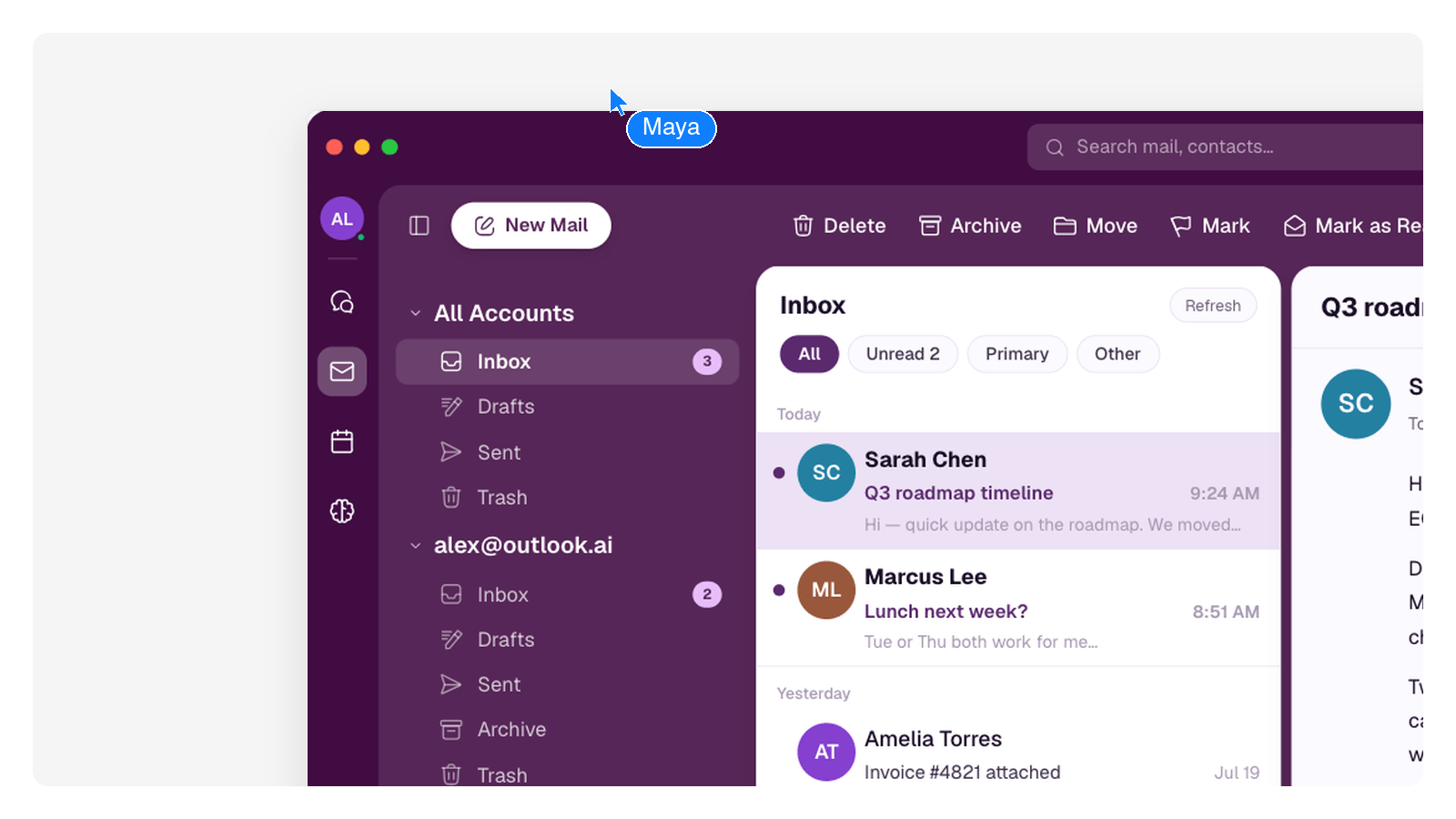
- 3Your mail syncs in place — the agent starts triaging and drafting from day one
What actually changes on day one
Three things Outlook makes you do by hand that GenMail does before you open the app.
An agent works the night shift
Overnight mail gets read, sorted, and answered with staged drafts — you wake up to a Morning Brief and a handful of decisions instead of a full inbox.
How the email agent worksReplies arrive pre-drafted
Mail that needs an answer comes with a reply already written in your voice, learned from how you actually write. You edit and send — nothing goes out alone.
See the AI email assistantThe inbox keeps itself sorted
Labels you'd actually choose, newsletters out of the way, follow-ups resurfaced — across every connected account at once.
See the AI email organizerWhen Outlook is still the right call
An honest comparison page owes you the other column.
Your org runs on Exchange policies
If IT manages retention, encryption, and compliance through Exchange admin controls, the sanctioned client is often the practical choice — check with your admin before adding any third-party app.
You live in Outlook add-ins
CRM sidebars, ticketing add-ins, macro workflows — Outlook's add-in ecosystem is decades deep, and GenMail doesn't replicate it.
You need one client for shared mailboxes
Delegated and shared team mailboxes with granular permissions remain an Outlook-and-Exchange strength; GenMail is built for your own accounts.
Outlook alternative FAQ
Can I use GenMail without leaving my Outlook account?
Yes — that's the point. GenMail connects your existing Outlook or Microsoft 365 account through Microsoft's official sign-in. Your address, mail, and folders stay where they are; you're replacing the app you read them in, not the account.
What happens to my email if I stop using GenMail?
Nothing. Your mail lives in your Outlook or Gmail account, same as before — disconnect GenMail and keep using any other client. There's no migration in either direction.
Does GenMail work with both Outlook and Gmail?
Yes, and with several accounts at once in one unified inbox. Those two are also the boundary: other providers aren't supported right now.
Is my email used to train AI models?
Your emails are used only to power features for you. We don't sell your data — and never train public models on it.
Which platforms does GenMail run on?
Desktop apps for macOS (Apple Silicon and Intel) and Windows are generally available; iOS and Android are in open beta. The download page at genspark.ai/genmail always has the current builds.