
AI Invitation Maker
Design stunning invitations for any occasion in seconds. Describe your event and let AI create a custom invitation you'll love.
Beautiful Invitations for Every Occasion
From weddings to birthday parties, our AI creates custom invitation designs tailored to your event. Click any example to start with a similar style.
Create Your Invitation in 3 Simple Steps
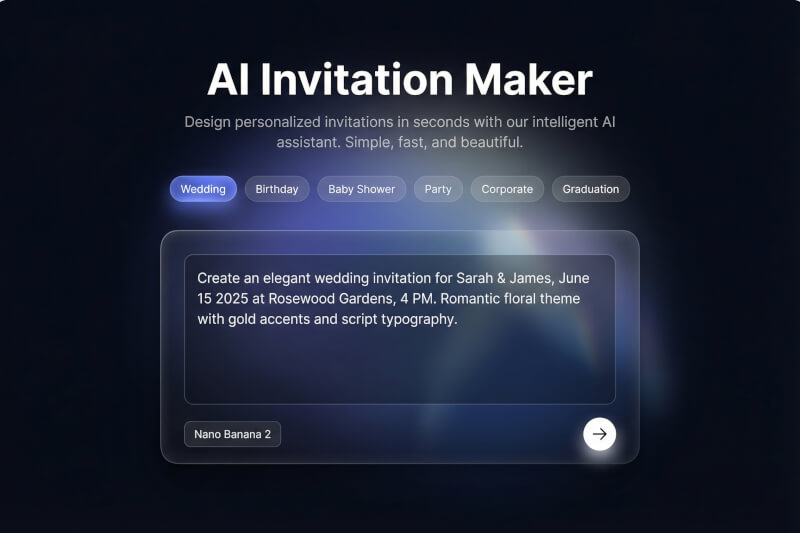
Describe Your Event
Tell us about your occasion — the event type, date, venue, and the style you want. Choose from our quick-start templates or write your own description. The more details you include, the more personalized your invitation will be.
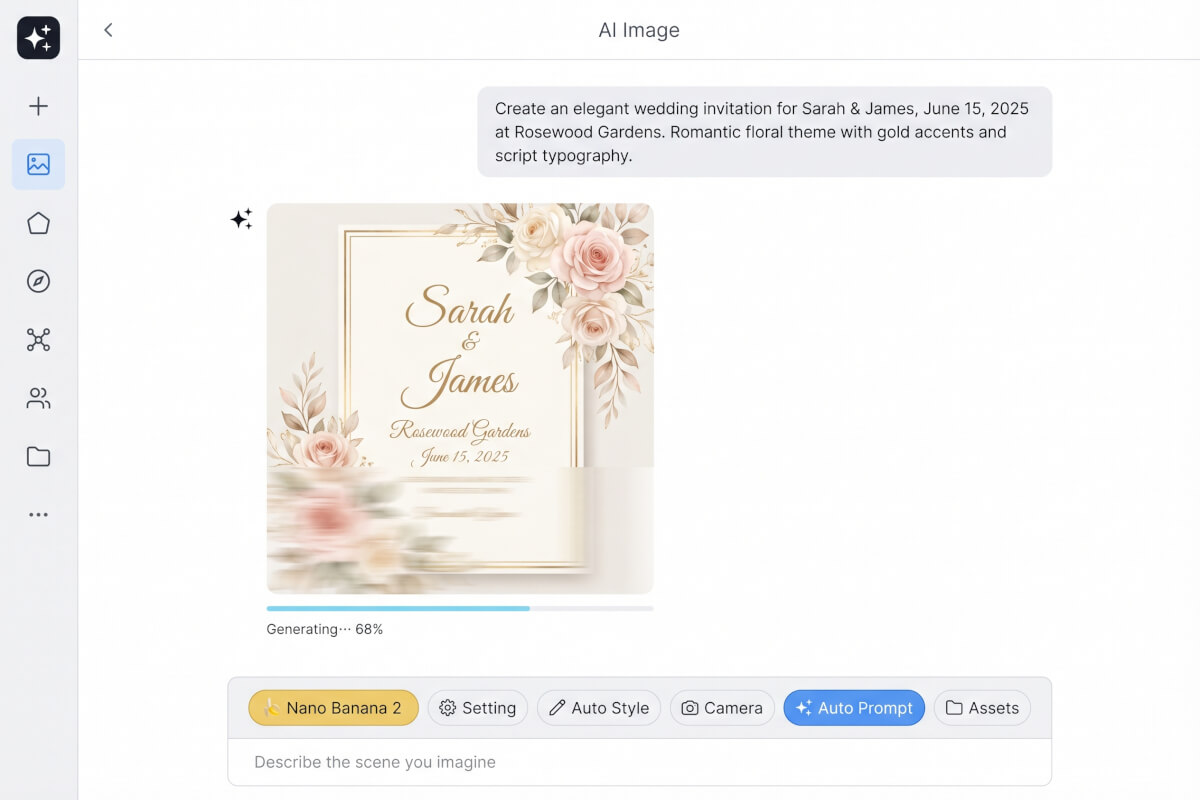
AI Designs Your Invitation
Our AI generates a custom invitation design based on your description. It handles layout, typography, color palette, and decorative elements — creating a cohesive design that matches your event's style and tone.
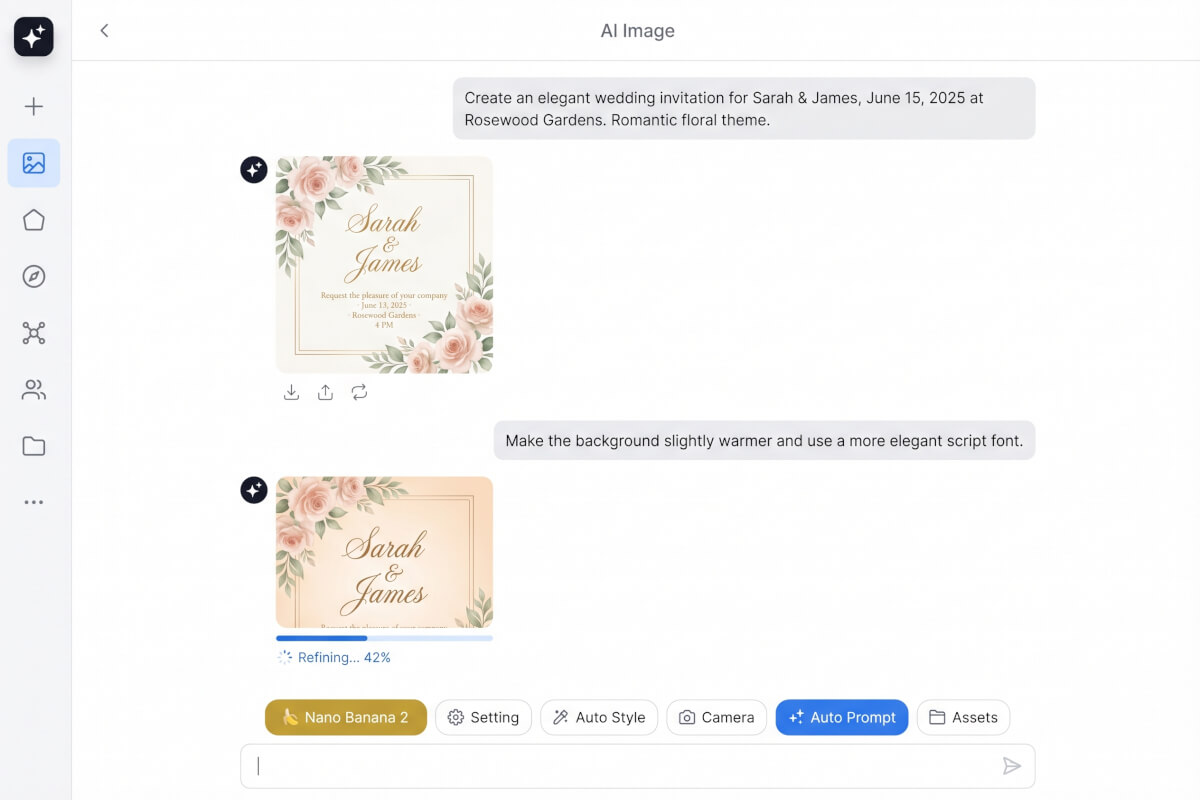
Download and Share
Preview your invitation and iterate until it's perfect. Ask the AI to adjust colors, change the layout, or try a completely different style. Once you're happy, download your invitation in high resolution and share it with your guests.
Frequently Asked Questions
What is an AI invitation maker?
An AI invitation maker is a tool that uses artificial intelligence to design custom invitations based on your description. Instead of choosing from pre-made templates and manually editing text and images, you describe your event — including details like the occasion, date, venue, and preferred style — and the AI generates a unique invitation design from scratch. Genspark's AI invitation maker can create invitations for weddings, birthdays, baby showers, corporate events, graduations, and more.
What types of invitations can I create?
You can create invitations for virtually any occasion. Popular types include wedding invitations, birthday party invitations, baby shower invitations, engagement party invitations, graduation celebrations, corporate events and conferences, holiday parties, and housewarming events. The AI adapts its design style to match each occasion — from elegant and formal for weddings to fun and colorful for children's birthday parties. You can also specify cultural themes, color preferences, and typography styles in your description.
How do I write a good invitation prompt?
The best prompts include four key details: the event type, specific event information (date, time, venue), your desired visual style, and any must-have elements. For example, instead of "make a wedding invitation," try "Create an elegant wedding invitation for Sarah & James, June 15 at Rosewood Gardens, 4 PM. Romantic floral theme with gold accents and script typography." The more specific you are about colors, mood, and layout, the closer the result will match your vision. You can also reference styles like "minimalist," "watercolor," "art deco," or "rustic" to guide the AI's design direction.
Can I customize the invitation after it's generated?
Yes. After the AI generates your initial design, you can ask for specific changes — adjust the color palette, change the typography style, modify the layout, add or remove design elements, or try a completely different aesthetic. The AI understands iterative requests, so you can say things like "make the background darker" or "switch to a more playful font" and it will refine the design. You can iterate as many times as needed until the invitation matches your vision.
What image formats and sizes are available?
Generated invitations are delivered as high-resolution PNG images suitable for both digital sharing and printing. For digital invitations, the standard output works perfectly for email, messaging apps, and social media. For printed invitations, you can request specific dimensions in your prompt — such as "5x7 inch format" or "A5 size" — and the AI will generate an appropriately proportioned design. If you need a different format or resolution, simply ask the AI to regenerate at your preferred specifications.
Is the AI invitation maker free to use?
Sign up for free — no credit card required. An invitation design costs just a few credits, so the 100 credits free accounts receive every day go a long way. You can generate multiple invitation designs, iterate on your favorites, and try different styles. Paid plans are available for users who need higher volume.
How is this different from template-based invitation makers?
Traditional invitation makers give you fixed templates where you swap out text and images. Every invitation from the same template looks identical. An AI invitation maker creates a completely original design for each prompt — no two invitations are alike. You're not constrained by template layouts or limited design options. Describe exactly what you want, and the AI generates a custom design that doesn't exist anywhere else. This means you get a truly unique invitation without needing any graphic design skills.
Can I create invitations in languages other than English?
Yes. You can include text in any language in your prompt, and the AI will render it on the invitation. This works well for bilingual invitations — for example, a wedding invitation with English text on one side and Chinese or Spanish text on the other. Simply include the text you want displayed in your description, along with any notes about language layout preferences. The AI handles text rendering across scripts including Latin, CJK, Arabic, Devanagari, and more.