Most platforms
Square · 1:1
- Pixels
- 1080 × 1080
- Platforms
- Instagram · LinkedIn · Facebook
- Format
- Direct PNG / PDF export
- Best for
- Feed posts, quotes, stats
Type your topic. We draft the actual graphic — sized for Instagram, LinkedIn, Facebook, or TikTok — with on-brand typography and consistent style. Not another text caption tool.
From topic to scroll-stopper
Genspark drafts the graphic at the right size for the platform, with on-brand typography and consistent style. You refine by typing — change the hook, swap the palette, tighten the CTA.
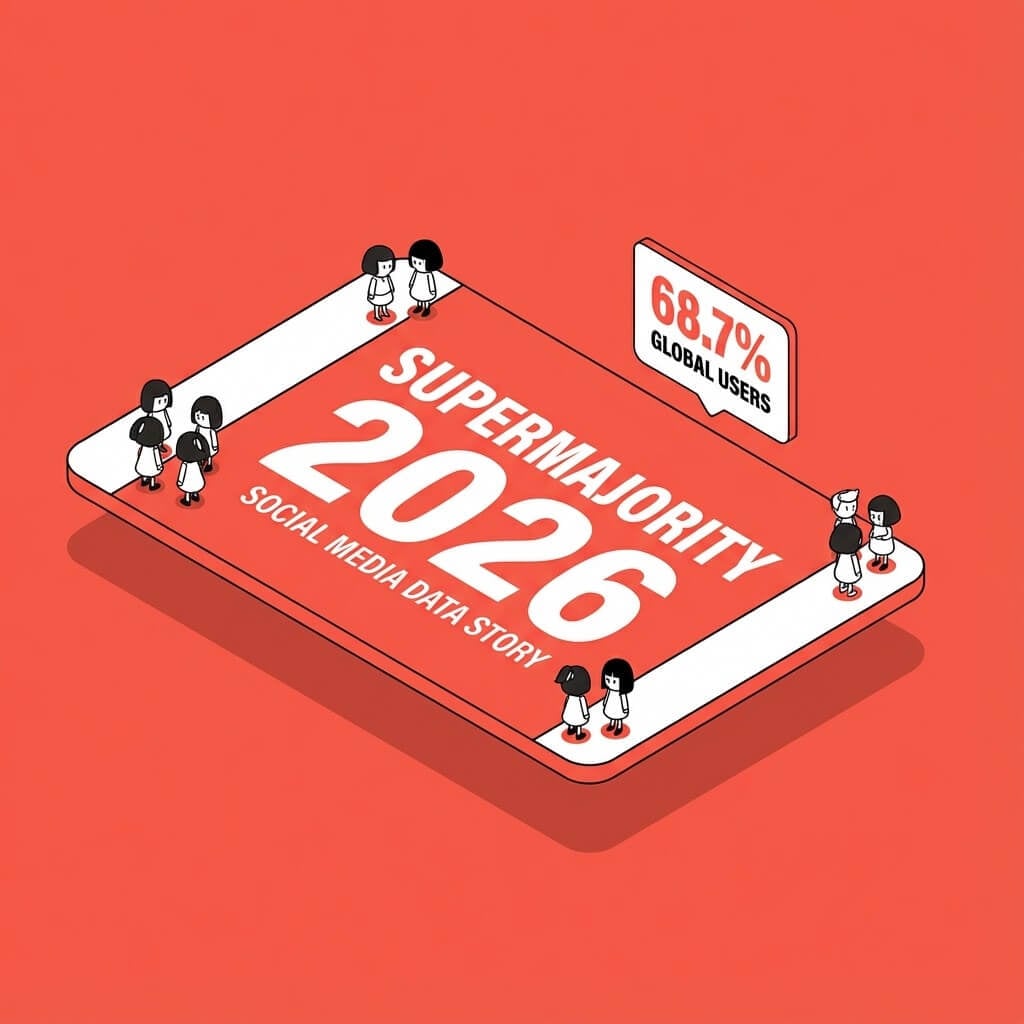
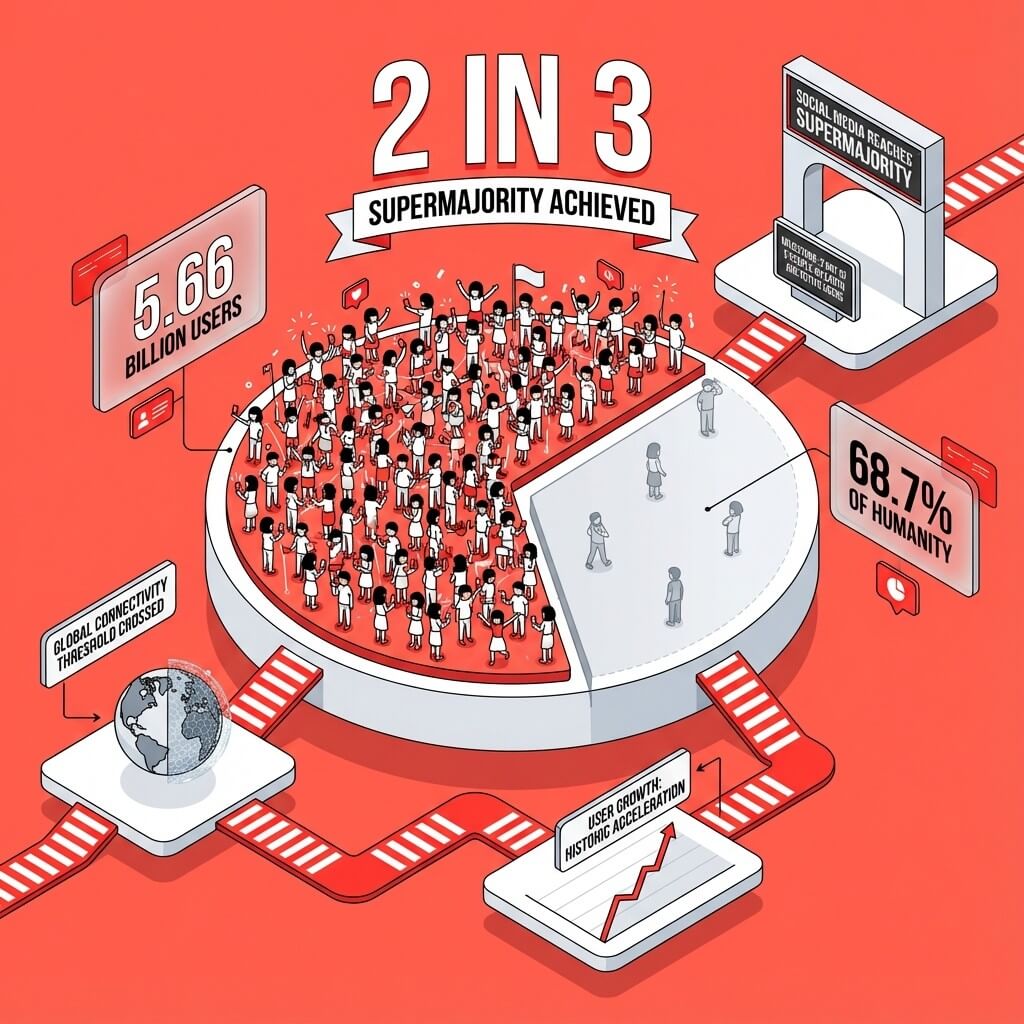
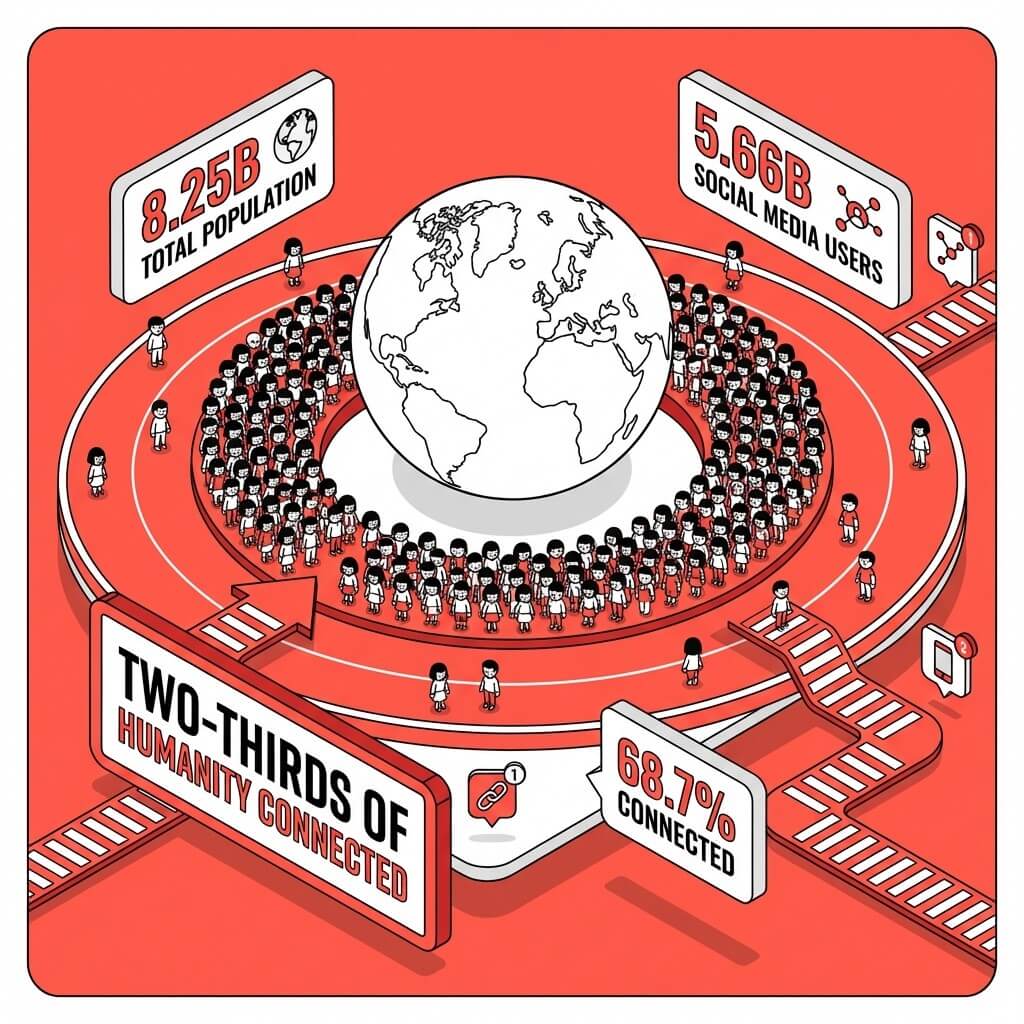
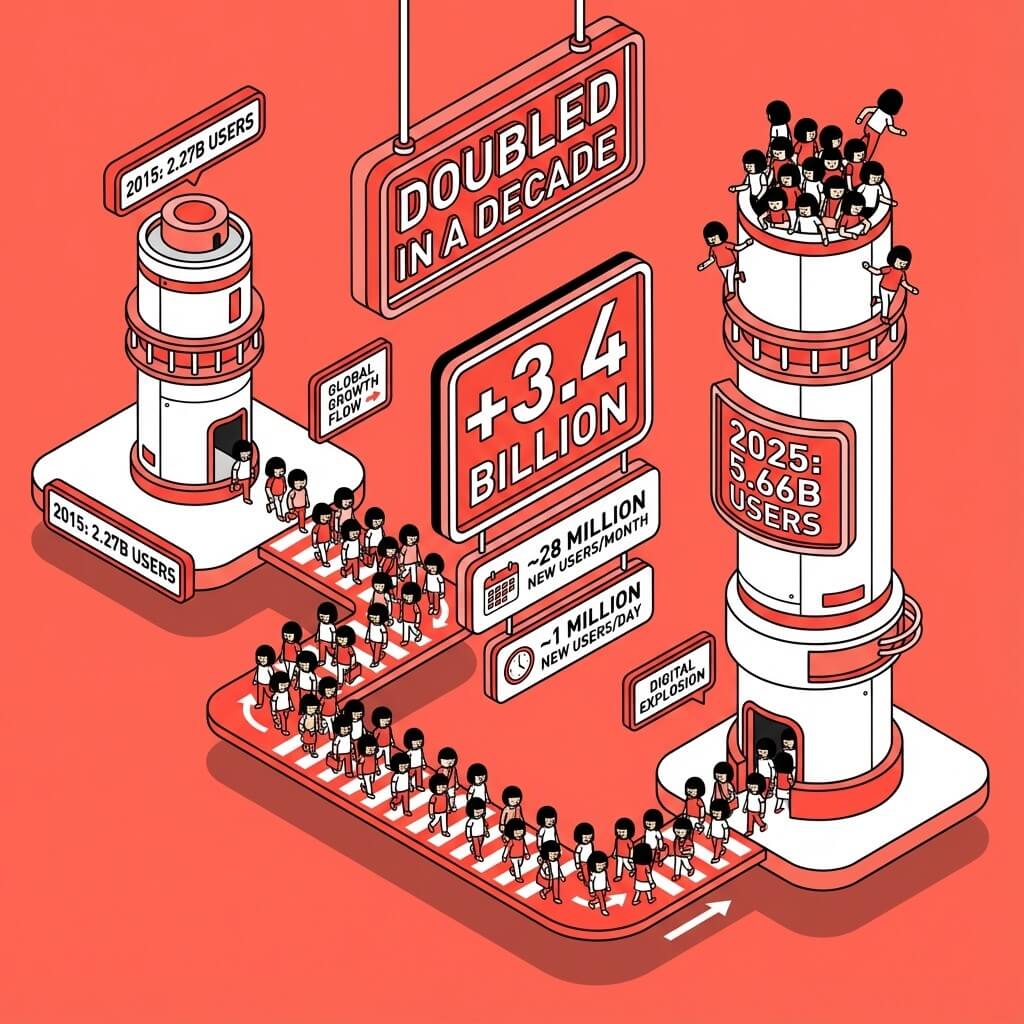
Why Genspark Social Media Post
Visual layout, native platform sizing, consistent typography across every post, and a chat editor that iterates with you.
The post structure that earns the stop-scroll: a hook that interrupts the feed, a payoff that delivers the promise, and a CTA that tells the viewer the next move.
Tell the agent your colors, fonts, or upload reference images. It applies the brand across every post you generate so the feed feels like one voice, not ten.
"Make the headline louder," "shorten the hook," "swap to dark mode," "resize for Stories" — type the change, the agent updates the post in place.
Genspark exports your post straight to PNG or PDF — no other software needed. Upload it directly to Instagram, LinkedIn, Facebook, or TikTok — or send the same design as a presentation for the team to review.
Use it for
Click any card to open the agent with the prompt pre-filled.
How it works
Topic, target platform, audience, voice. "Product launch announcement for B2B SaaS, LinkedIn, founders."
Sized for the platform (1:1, 4:5, or 9:16), with hook · payoff · CTA structure and consistent typography.
"Bigger headline," "darker palette," "resize for Stories," "swap the CTA." The agent updates the post in place.
Export as PNG or PDF, then upload to Instagram, LinkedIn, Facebook, or TikTok.
Side by side
Describe your topic, target platform, audience, and voice. The agent drafts a visual post — graphic, headline, body, CTA — sized natively for the platform (1:1 for Instagram and LinkedIn feed, 4:5 portrait, 9:16 for Stories and Reels). You refine by chatting.
Caption AI writes the words. Genspark drafts the actual graphic — typography, layout, color, sized for the feed. The agent produces a visual post you can upload directly, not a paragraph of text you still need to design around.
Instagram (1:1 feed, 4:5 portrait, 9:16 Stories and Reels), LinkedIn (1:1 feed, 4:5 portrait, document carousels), Facebook (1:1 feed, 4:5 portrait), TikTok (9:16 vertical), and X (16:9 cards). Tell the agent the platform and it sizes the canvas.
Yes. Tell the agent your color palette and font choices, or upload a reference image. It applies the brand consistently across every post you generate, so your feed reads as one voice.
Yes. Refine by typing: "bigger headline," "swap the CTA," "darker palette," "resize for LinkedIn," "add a stat." The agent rewrites and re-renders the post in place.
Export your post as a PNG image — no other software needed — and upload it directly to Instagram, LinkedIn, Facebook, or TikTok like any other image post. For LinkedIn carousels, export a PDF and use the document attachment option.
Yes. Ask the agent for 3-5 alternative hooks, headlines, or layouts and it generates them as a set. Pick the one that fits, or A/B test across audiences before committing.
Posts stay in your project's storage and follow Genspark's standard data handling — see our Privacy Policy for full details. You can delete the project at any time, which removes everything in it.