Event Flyer
Professional charity gala dinner flyer with elegant black and gold theme, featuring event details, keynote speaker name, and venue information at The Grand Ballroom
Describe your event, business, or promotion and get a professional flyer design in seconds. No design skills needed.
From business promotions to birthday invitations, our AI generates professional flyer designs for any occasion. Click any example to try it yourself.
Professional charity gala dinner flyer with elegant black and gold theme, featuring event details, keynote speaker name, and venue information at The Grand Ballroom
Modern tech startup flyer promoting AI consulting services with clean blue gradient design, company logo placeholder, and service highlights
Neon-themed Saturday night club flyer featuring DJ Shadow, with vibrant pink and purple colors, electric light effects, and event details
Grand opening flyer for an Italian restaurant with warm colors, food photography style, featuring pasta and wine imagery with opening date and address
Professional open house flyer for a luxury home listing with property photo, price, key features, and agent contact information
Energetic gym membership flyer promoting a New Year special offer with bold typography, fitness imagery, and a 30% off callout
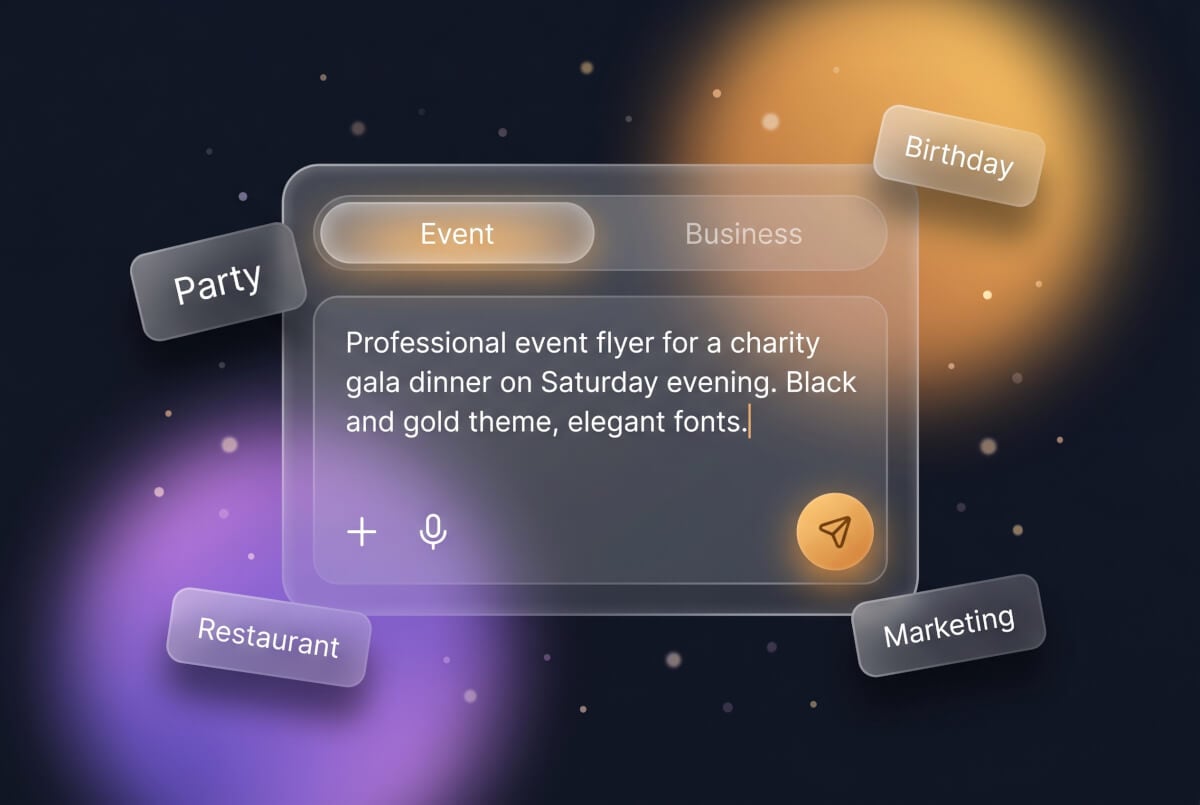
Type what you need — the event name, date, venue, style, and colors. Use our scenario tabs for inspiration, or write your own description from scratch.
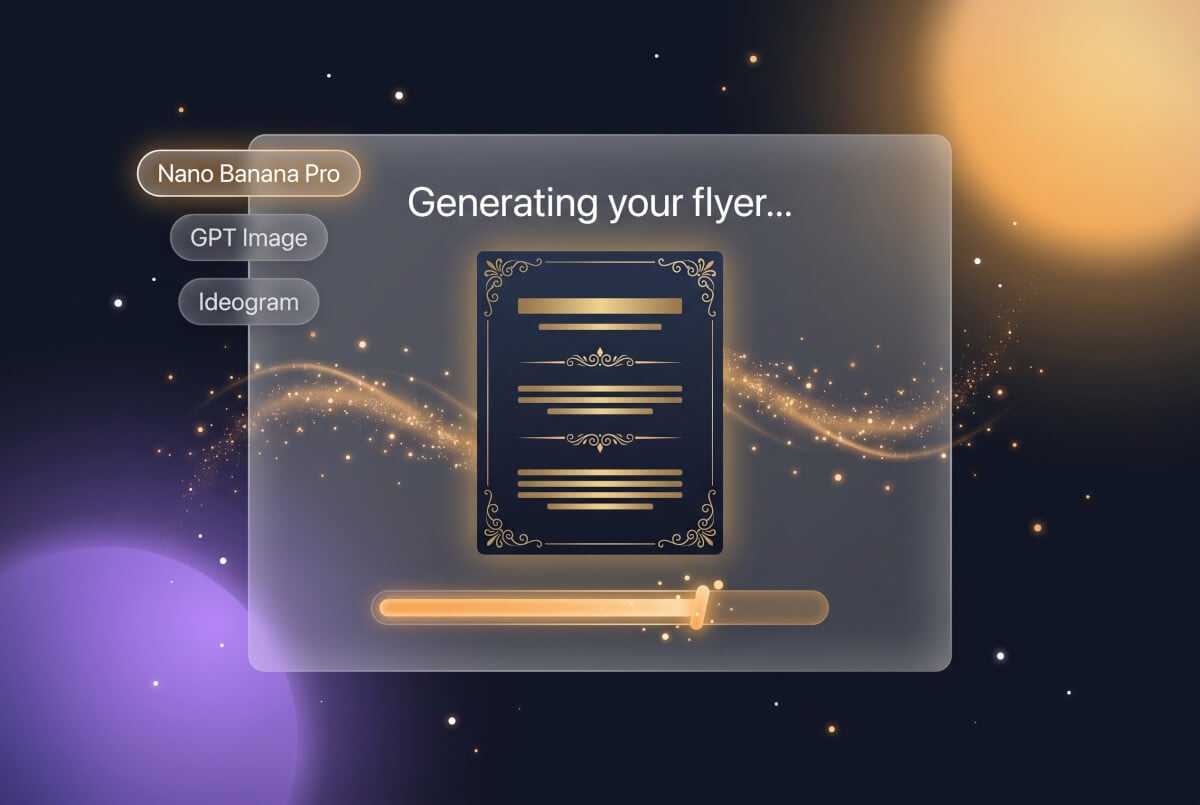
Our AI analyzes your description and creates a professional flyer design. The result is a fully editable design with clear, readable text — ready for print or digital use.
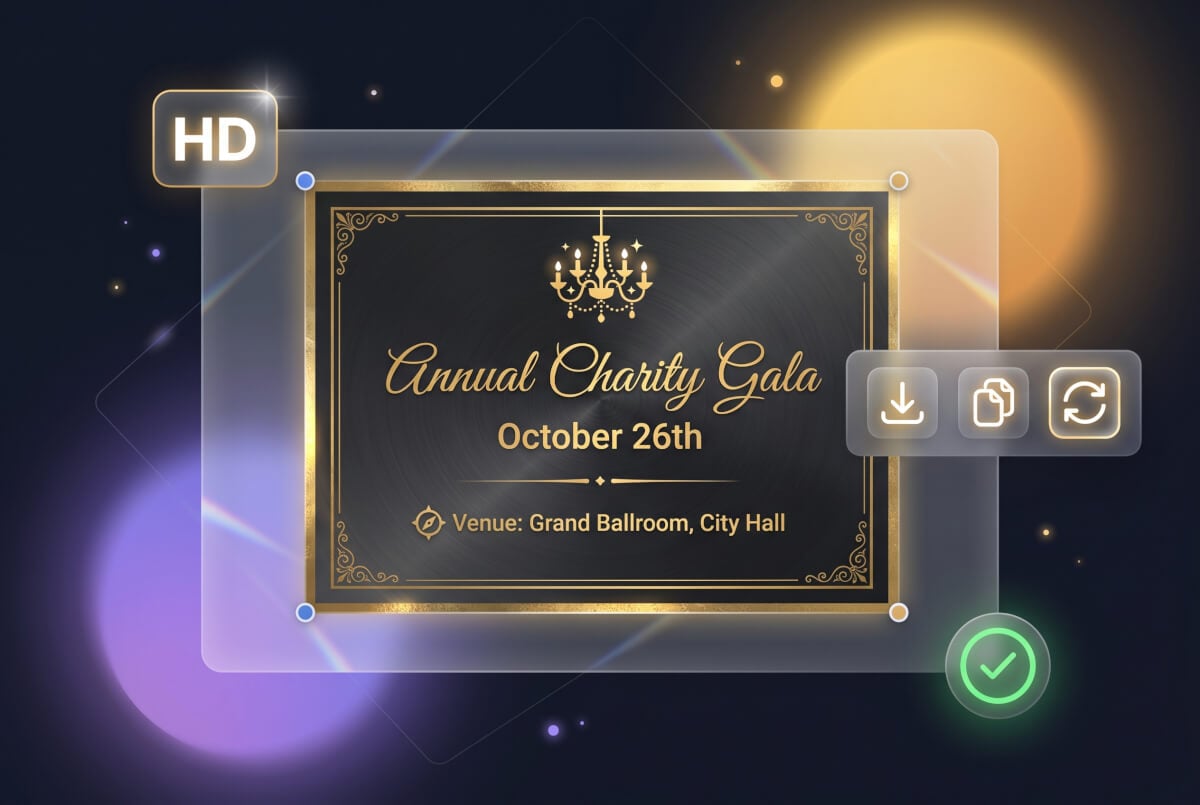
View your generated flyer, then download it in high resolution for printing or digital sharing. Generate variations or refine your description for a different look.
An AI flyer generator is a tool that creates flyer designs from text descriptions. Instead of manually designing flyers with templates or drag-and-drop editors, you describe what you need — the event, style, colors, and key details — and the AI produces a professional flyer design. Genspark's AI flyer generator creates flyers for events, businesses, parties, marketing campaigns, and more.
Creating a flyer with Genspark takes three simple steps. First, type a description of the flyer you want — include the event name, date, venue, and any style preferences like colors or theme. Second, click Generate. Our AI creates a professional flyer design based on your description. Third, download your flyer in high resolution for printing or digital sharing. You can iterate by refining your prompt or generating new variations.
Yes. Free accounts receive 100 credits every day, and a flyer design costs just a few credits — so your daily allowance easily covers multiple flyer designs. No credit card is required to get started.
Absolutely. Genspark's AI flyer generator works entirely from text descriptions — no images, templates, or design files required. Simply describe your flyer's purpose, content, style, and color preferences in plain English. For example, write "Professional event flyer for a charity gala with a gold and black theme, featuring dinner and live auction details" and the AI will generate a matching flyer design with appropriate typography, layout, and visuals.
You can create virtually any type of flyer. Popular categories include event flyers (concerts, galas, conferences), business flyers (services, product launches, hiring), party flyers (birthdays, holidays, club nights), marketing flyers (sales promotions, grand openings, seasonal deals), and community flyers (fundraisers, church events, school activities). The AI adapts its design style, color palette, and typography to match the occasion and tone you describe.
The most common flyer sizes are US Letter (8.5 x 11 inches), A4 (210 x 297 mm for international use), and half-letter (5.5 x 8.5 inches for handouts). For digital flyers shared on social media, square (1:1) and portrait (4:5) formats work best. When writing your prompt, you can specify the intended use — like "print-ready A4 flyer" or "Instagram-friendly square flyer" — to help the AI optimize the layout.
Genspark offers several advantages. Every flyer comes out as a fully editable design with crisp, readable text — critical for flyers that need readable event details and contact information. Unlike competitors like Adobe Express and Canva that require account creation before showing any results, Genspark lets you start creating immediately with your free credits. And because our AI generates original designs from your descriptions rather than modifying templates, every flyer is unique to your needs.
Describe your event, business, or promotion and let AI do the design work. Free to start, no credit card required.