AI Cover Letter Generator
Describe the role you're applying for and get a polished, job-specific cover letter in seconds. Choose from 29 professional templates — edit and export as DOCX or PDF.
Create Your Cover Letter in 3 Steps
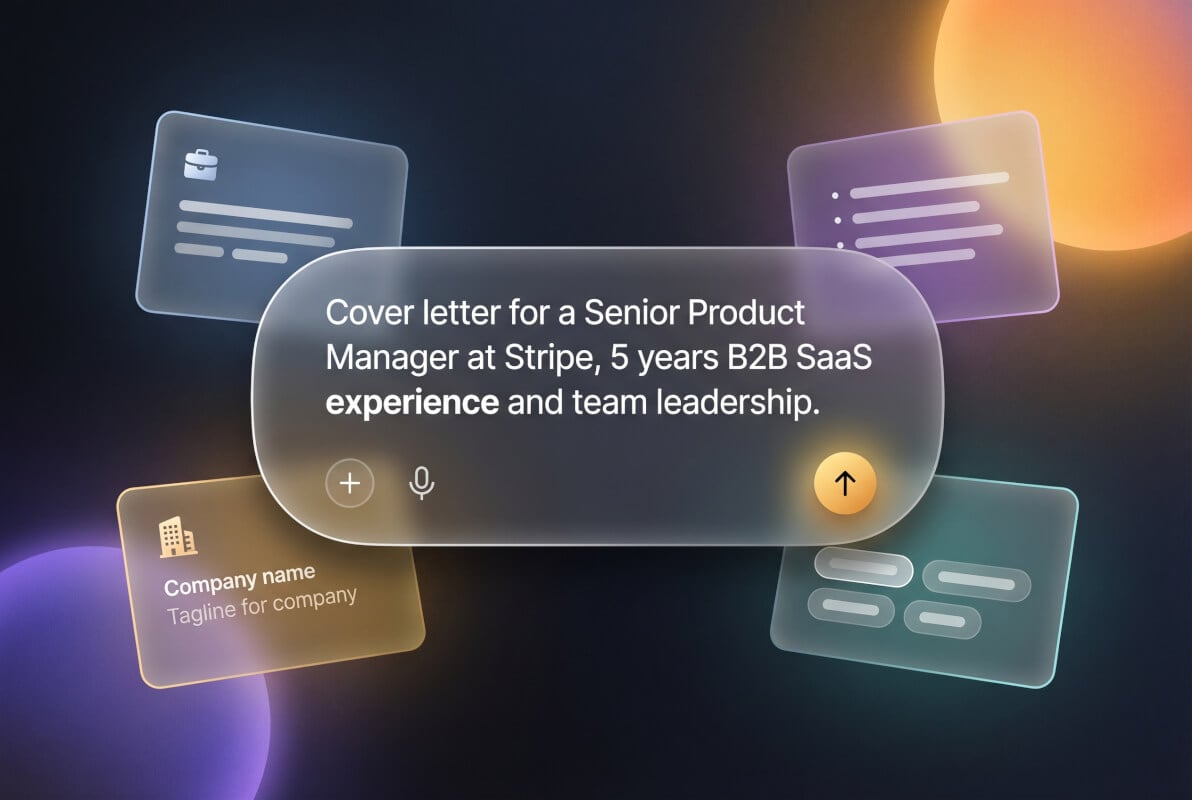
Describe the Role
Tell us about the job you're applying for — the position, company, and your relevant experience. Or paste the job description directly and let AI extract the details.
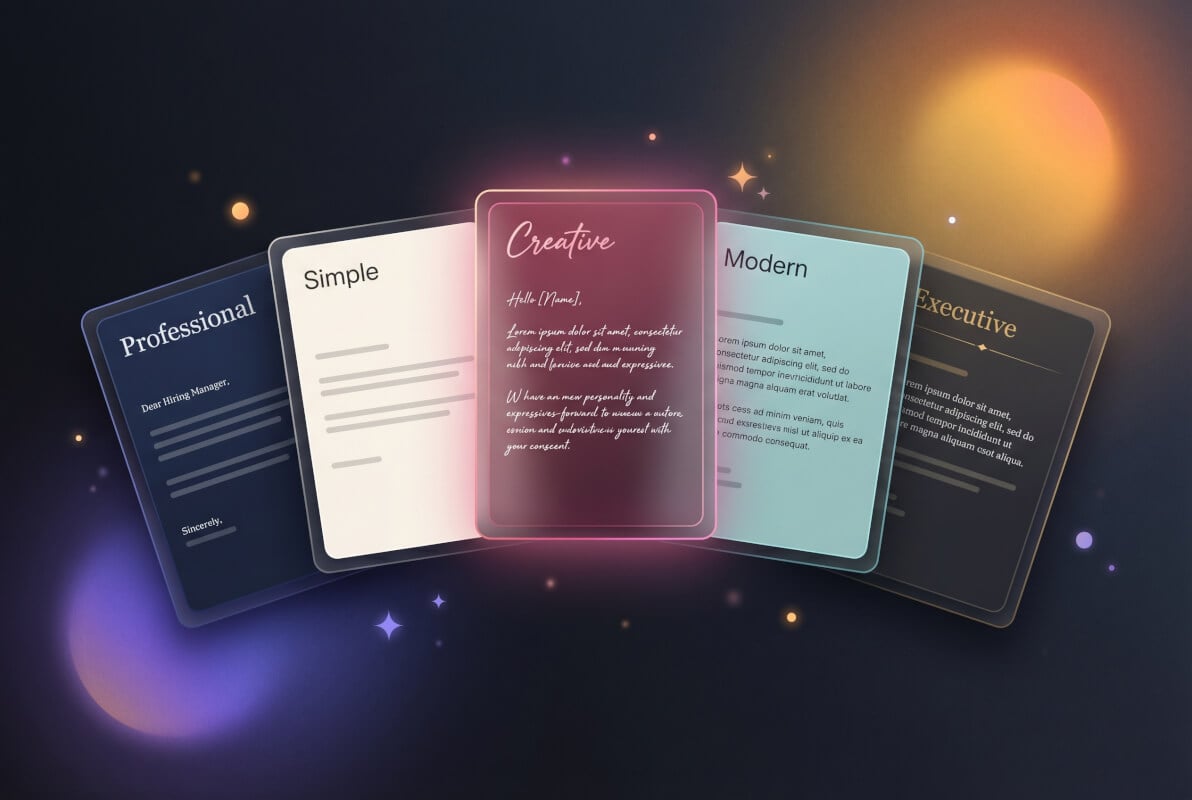
Choose a Template
Pick from 29 professional designs. Each template is optimized for readability and ATS compatibility, so your letter looks polished whether a human or software reads it first.
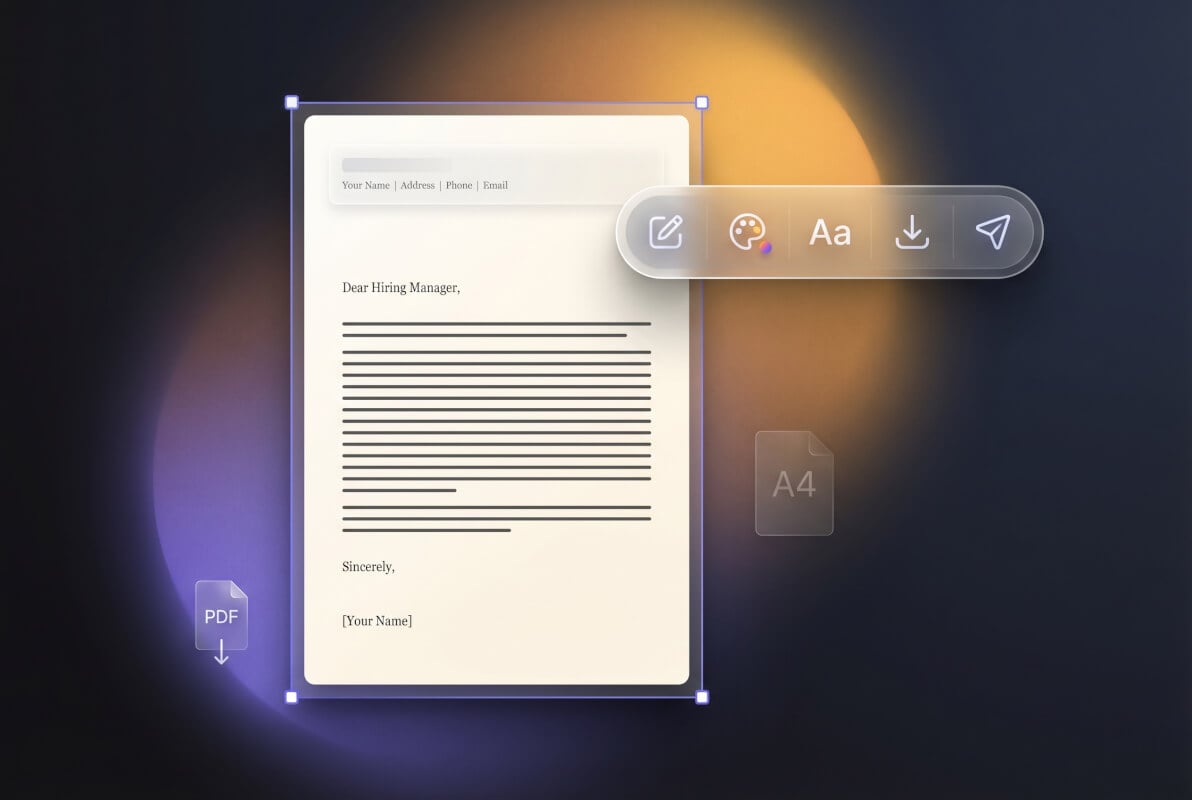
Edit and Export
Review your AI-generated cover letter in the built-in editor. Make any adjustments, then download as DOCX or PDF — ready to submit with your application.
Cover Letters for Every Career Stage
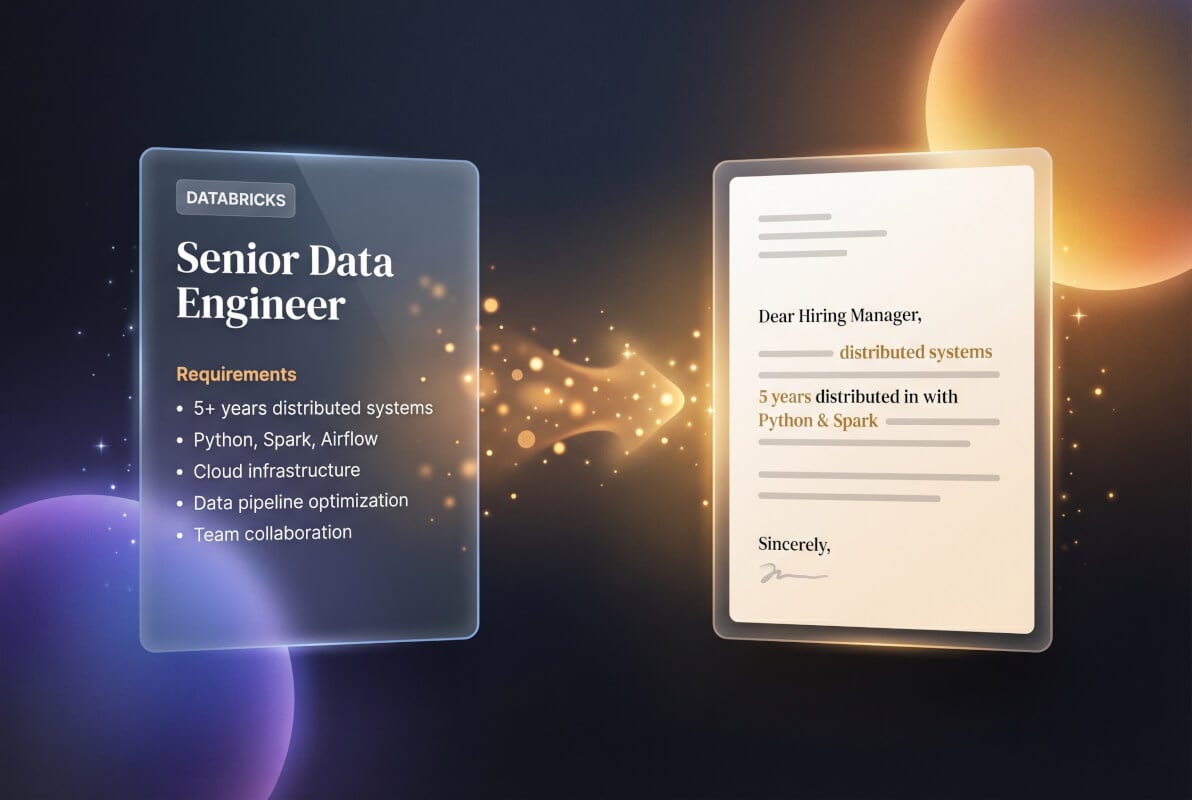
Generate from a Job Description
Paste the full job posting and let AI craft a cover letter that mirrors the role's requirements. Key qualifications, company values, and role-specific language are woven into your letter automatically — no more guessing which keywords to include.
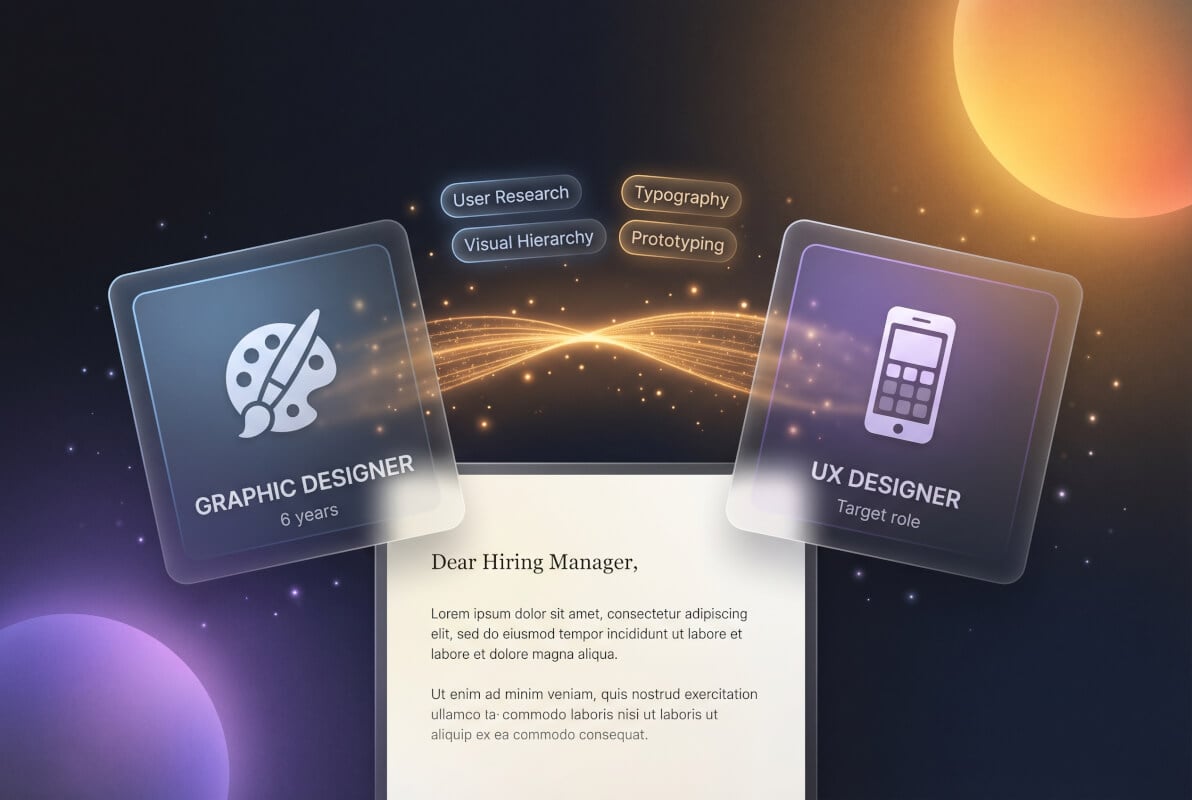
Switching Careers? Frame Your Experience
Transitioning industries is tough — your old job titles don't match the new field's language. Describe your transferable skills and target role, and AI will reframe your background to highlight relevant experience for hiring managers who need to see the connection.
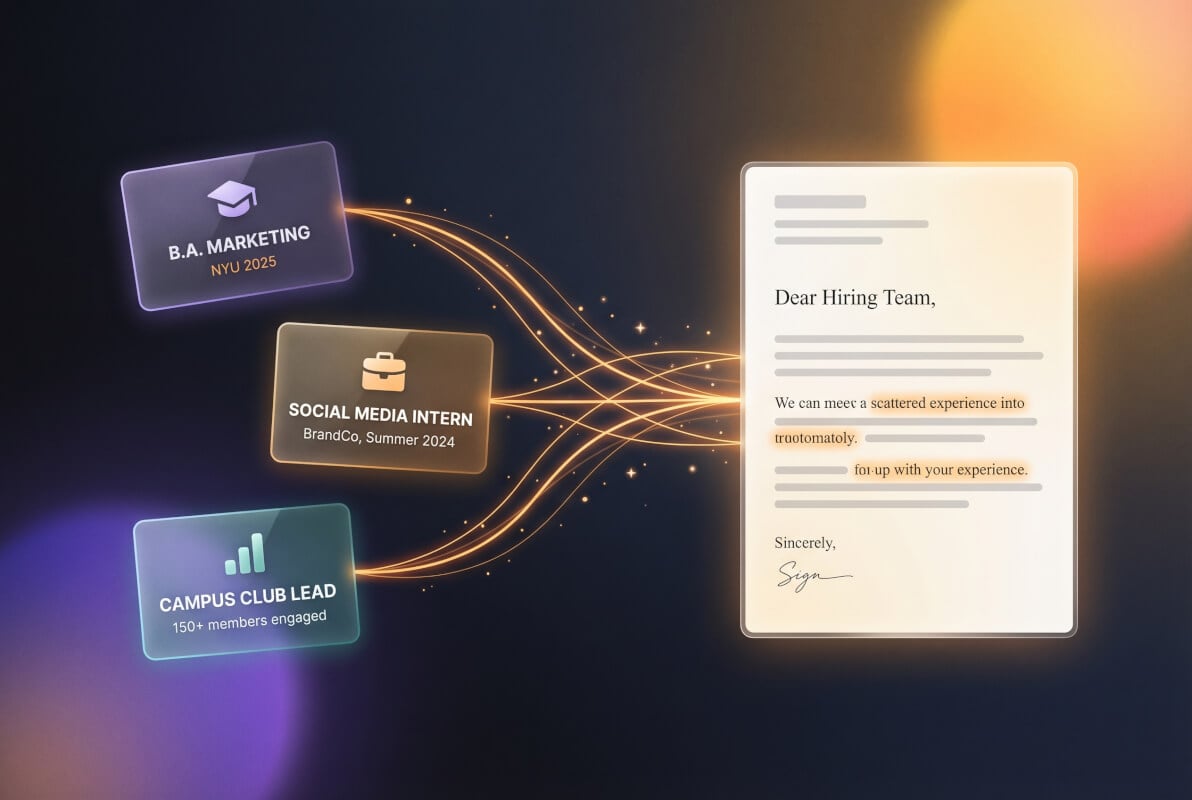
First Job? Start Strong
When you don't have years of experience to lean on, your cover letter needs to sell your potential. Provide your degree, internships, or projects, and AI will craft a letter that turns academic work and extracurriculars into compelling professional narratives.
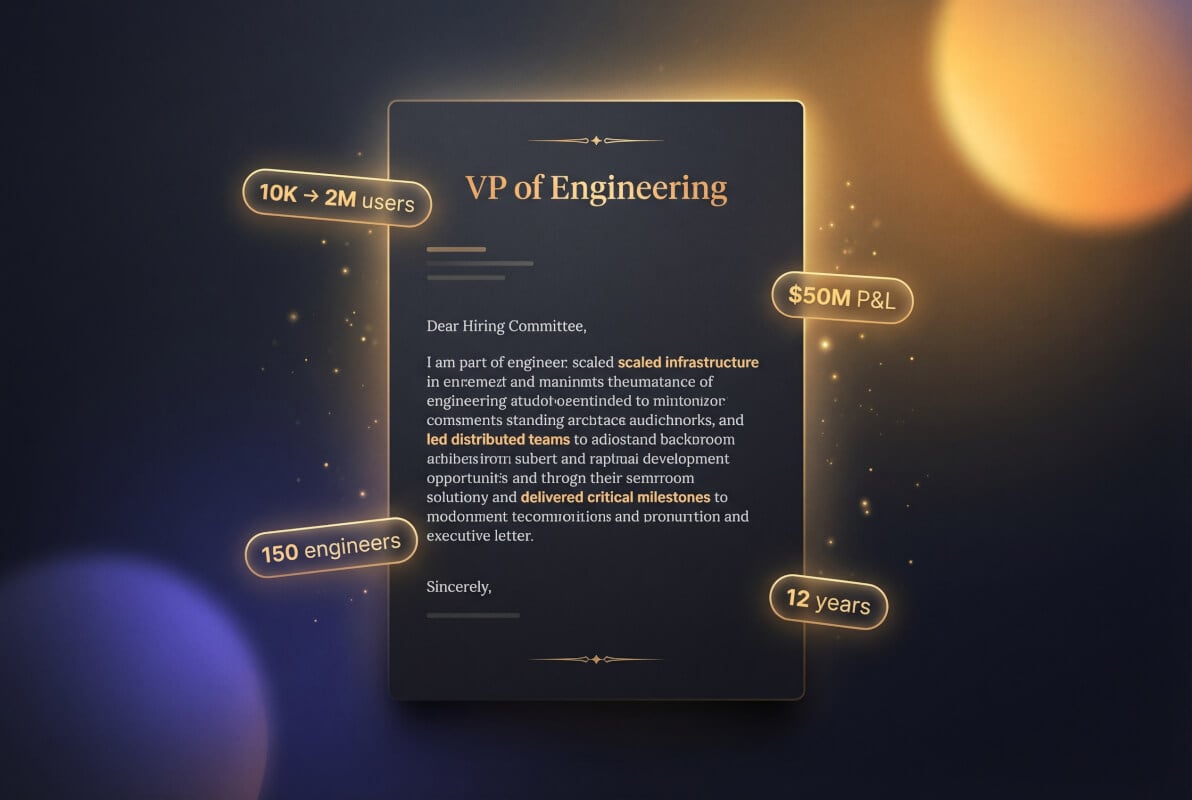
Executive Cover Letters That Command Attention
Senior roles demand a different tone — strategic vision over task lists, leadership outcomes over daily responsibilities. Provide your target role and key achievements, and AI generates a letter with the authority and conciseness that C-suite hiring committees expect.
Why Use Genspark for Your Cover Letter
29 Professional Templates
No other AI cover letter tool lets you choose a template before generation. Pick from minimalist, modern, creative, or executive designs — your letter arrives pre-formatted and ready to send, not as plain text you have to style yourself.
Edit In-Browser, Export Anywhere
Review and refine your cover letter in a full-featured document editor. When it's ready, export as DOCX for further editing in Word or Google Docs, or as PDF for direct submission. No copy-pasting plain text into another tool.

Tailored from Job Descriptions
Paste the full job posting and the AI identifies key requirements, preferred qualifications, and company language. Your cover letter addresses the role's specific needs — not generic boilerplate that could apply to any job.
Frequently Asked Questions
Can AI write a cover letter for me?
Yes. Describe the job you're applying for — the title, company, and your relevant experience — and Genspark's AI generates a complete, job-specific cover letter in seconds. You can paste the full job description for even more targeted results. The output is a fully formatted document you can edit and export, not a chat response you need to copy elsewhere.
Is this cover letter generator really free?
Genspark's free tier includes 100 credits every day, which you can spend on cover letter generation or any other Genspark AI tool. No credit card is required to start.
Will employers know my cover letter was written by AI?
AI-generated cover letters can be detected if they're used verbatim without personalization. Genspark mitigates this by tailoring each letter to the specific job description and your background — not producing generic templates. Still, we recommend reviewing the output, adding personal anecdotes, and adjusting the tone to match your voice. The built-in editor makes this easy before you export.
How is this different from using ChatGPT for my cover letter?
Three key differences. First, Genspark offers 29 professionally designed templates — you get a formatted document, not plain chat text. Second, the output loads in a document editor where you can refine and export as DOCX or PDF. Third, the AI is specifically tuned for cover letter structure and professional writing conventions, so you spend less time fixing formatting and tone.
Can I generate a cover letter from a job description?
Absolutely. Paste the full job posting into the prompt box and the AI will extract the role title, required skills, company context, and preferred qualifications. The generated cover letter addresses each requirement specifically, using language that mirrors the posting — which helps both human reviewers and ATS systems recognize your fit.
What formats can I export my cover letter in?
You can export as DOCX (for editing in Microsoft Word or Google Docs) or as PDF (for direct submission). The document retains the professional formatting from your chosen template — margins, fonts, spacing, and layout are all preserved in the export.
Do I need to upload my resume?
No. Resume upload is optional. You can describe your experience directly in the prompt and the AI will work from that. If you do have a resume file handy, you can upload it for more personalized results — the AI will pull relevant skills and experience from your resume to strengthen the cover letter.
Can I create multiple cover letters for different jobs?
Yes. Each generation produces a new cover letter tailored to the specific role you describe. You can generate as many as your credit balance allows, each with a different template if you want. This is useful when applying to multiple positions — each letter should be customized to the specific job rather than sending the same one everywhere.