Recommended
On-screen · 1:1
- Format
- 1080 × 1080 (square)
- Cards per set
- 10–25 per set
- Layout
- One concept per card
- Best for
- Phone review, screen-share
Type a topic, paste notes, or describe what you're studying. Genspark drafts beautiful visual flashcards — 1:1 square, clear typography, one concept per card. Print for review, share with study partners, or follow on your screen.
From topic to study set
Genspark drafts visual cards — one concept per slide, clean typography, consistent style. You refine by typing — swap a card, tighten a definition, add an example.
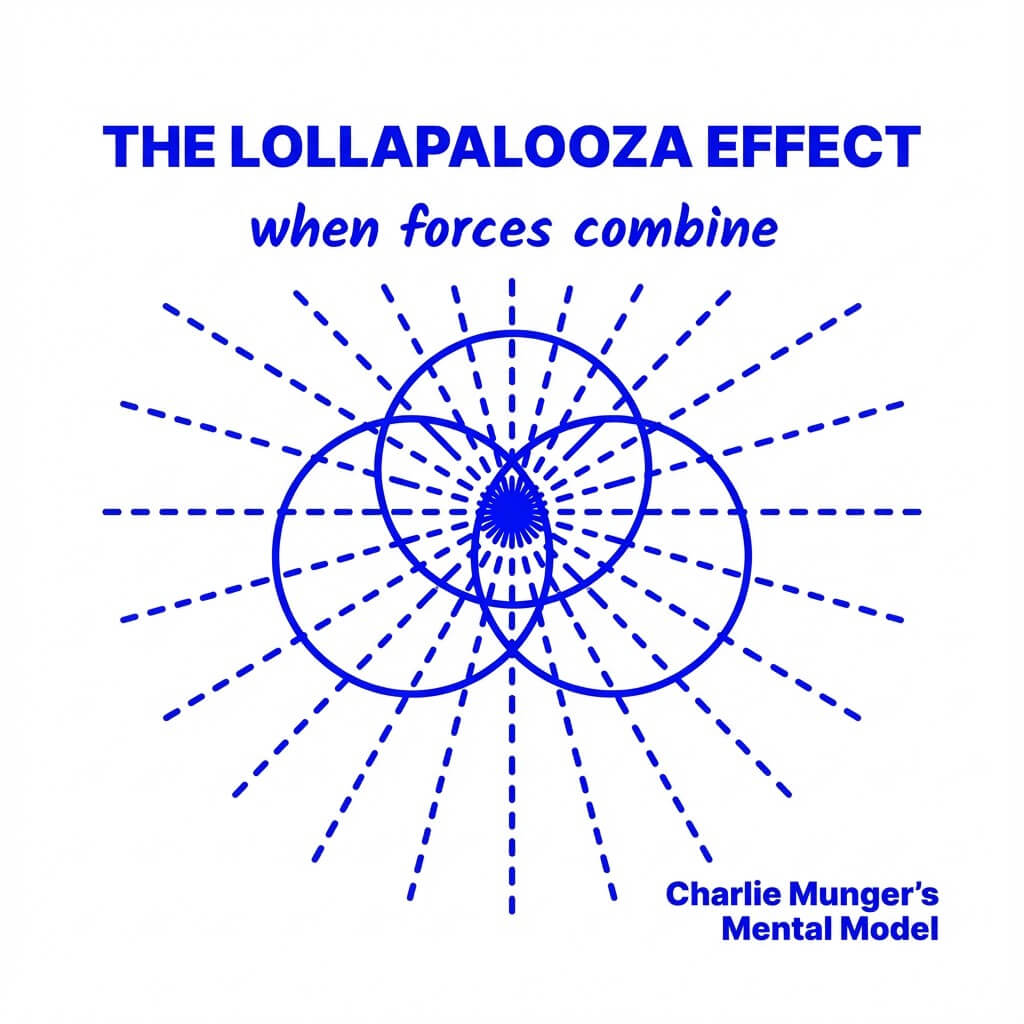
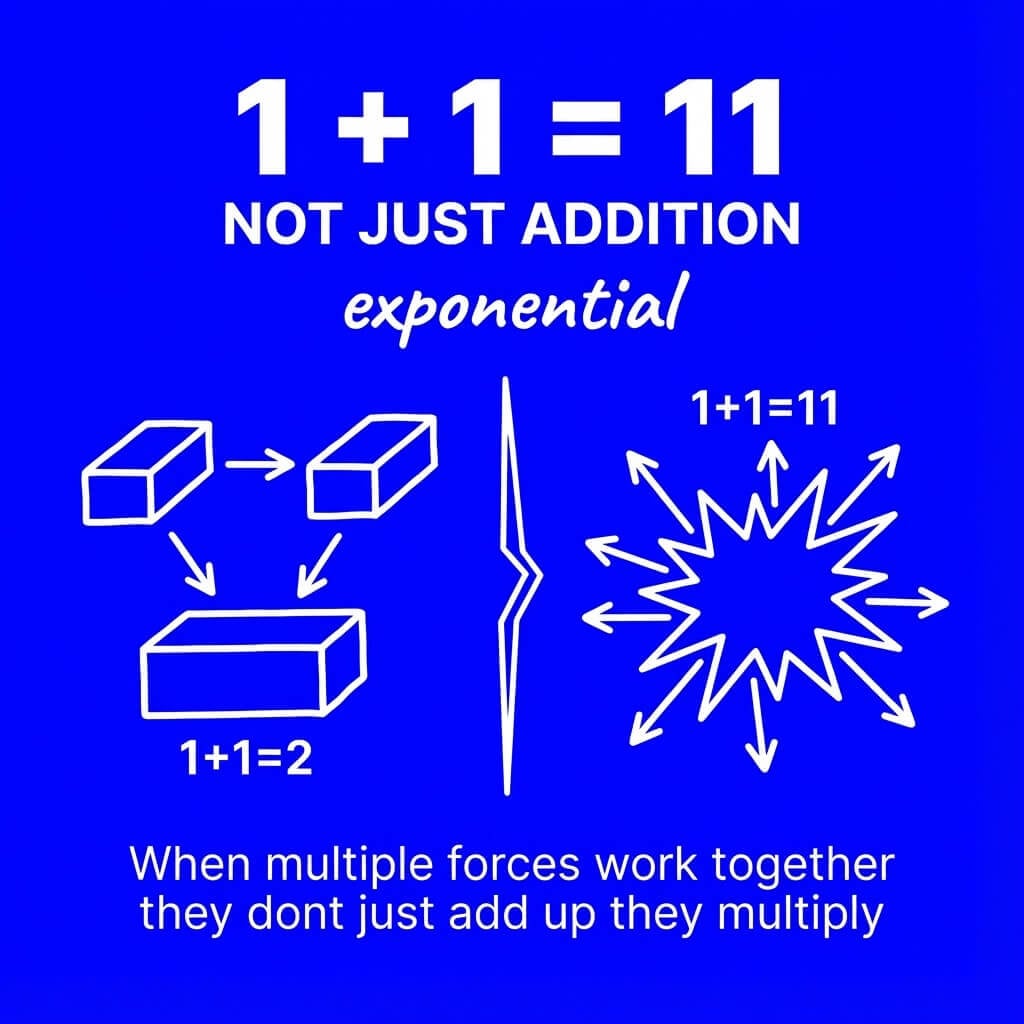
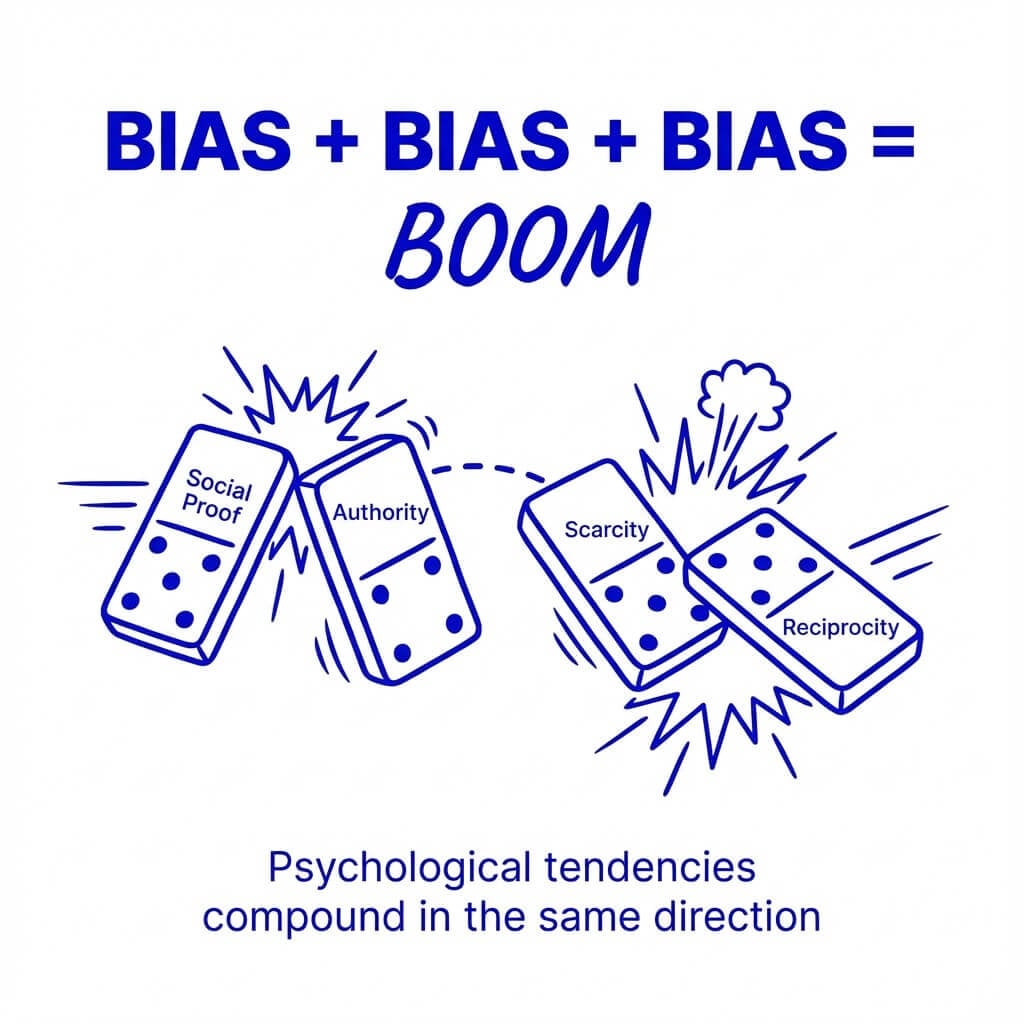
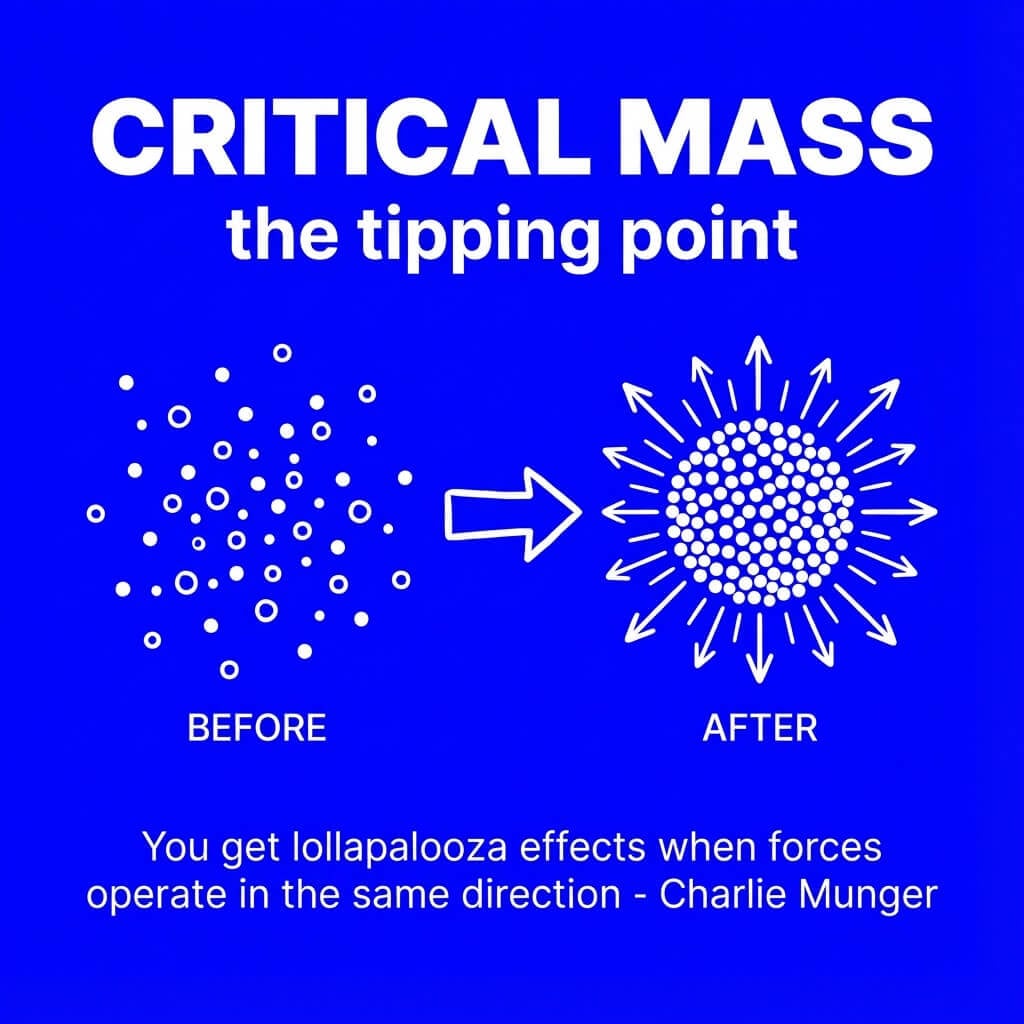
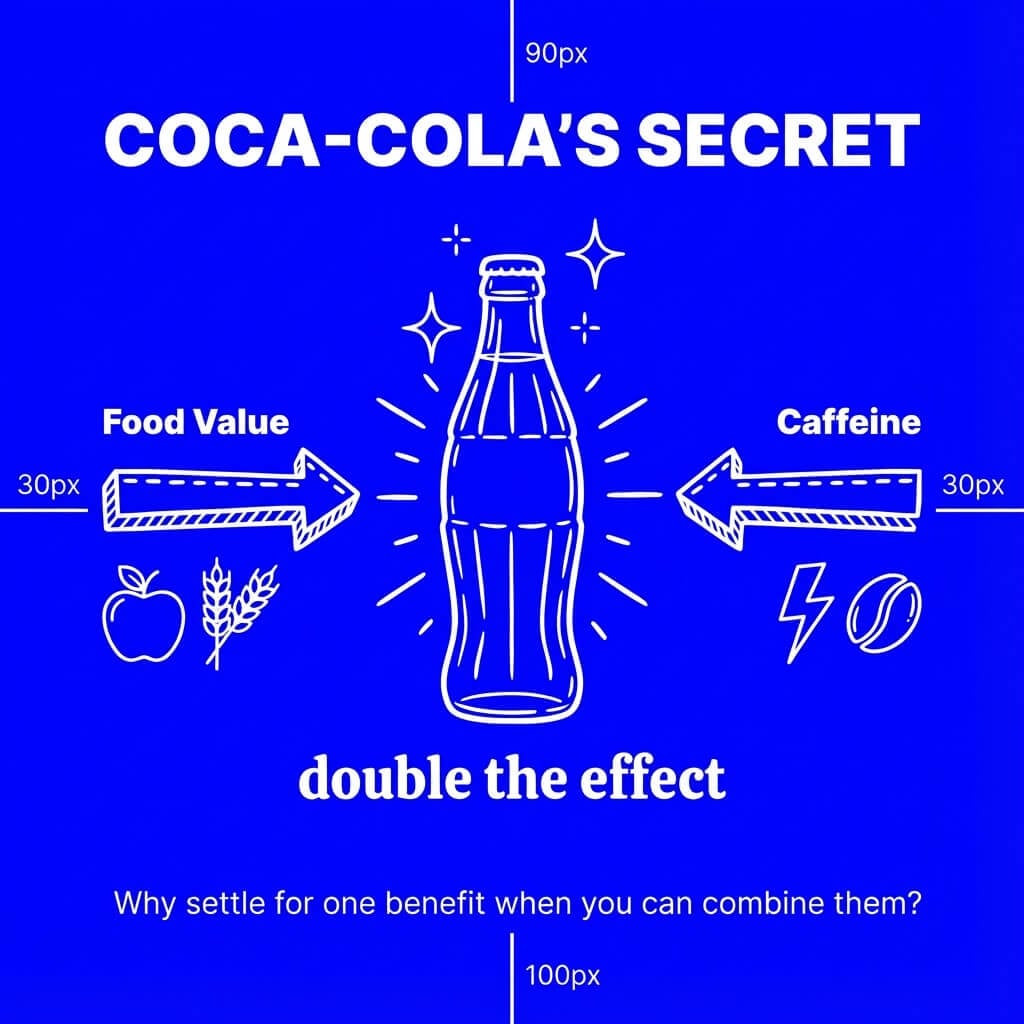
Why Genspark Flashcards
Card-format layout, one concept per slide, consistent typography across the set, and a chat editor that iterates with you.
Each card carries a single idea — term, definition, one example. The agent enforces the constraint so you don't end up with a wall of bullet points pretending to be a card.
Ask for paired cards — front shows the question or term, back shows the answer or definition. Print double-sided or page-flip on screen for self-quizzing.
"Make card 5 simpler," "add a mnemonic to the photosynthesis card," "swap to dark mode," "shorten the definitions." The agent updates the set in place.
Genspark exports a clean PPTX. Save as PDF in PowerPoint, Keynote, or Google Slides — then print on cardstock or import the PDF into your study app, or send the deck as a presentation for class review.
Use it for
Click any card to open the agent with the prompt pre-filled.
How it works
Topic, level, card count, format. "10 cognitive bias cards for behavioral economics exam — one per card, with a real-world example." Or paste in lecture notes.
One concept per card, clean typography, consistent layout across the set. 1:1 square or A4 print grid — your choice.
"Make card 5 simpler," "add a mnemonic," "add an answer card for each term." The agent updates the set in place.
Export as PPTX, save as PDF in PowerPoint, Keynote, or Google Slides. Print on cardstock for physical cards or review the PDF on your screen.
Side by side
Describe your topic, level, and the number of cards you want. The agent drafts a visual study set — one concept per card, clean typography, consistent layout across the set. You refine by chatting, then export as PPTX and save as PDF for printing or screen review.
Yes. Paste your notes into the chat or upload a PDF of lecture material. The agent extracts the key terms, definitions, and examples and turns each into a card. You refine the wording by chatting.
Quizlet and Anki are study apps with spaced repetition scheduling. Genspark is a visual flashcard maker — it produces beautiful study cards as a deck you can print, share, or screen-review. If you want SRS scheduling, export your cards and import them into Anki. If you want printable visual cards for a library desk, the Genspark deck is exactly that.
1:1 square (1080 × 1080) for screen review and Instagram-style sharing, and an A4 print grid (4 cards per page) ready to cut. You can also ask the agent for paired front/back cards if you want to print double-sided.
Yes. Export as PPTX, save as PDF in PowerPoint, Keynote, or Google Slides, then print on cardstock. Ask the agent for the "4 cards per page" layout to save paper and cut clean rectangles.
Yes. Refine by typing: "make card 5 simpler," "swap the example," "add a mnemonic," "shorten the definitions across the set." The agent rewrites and re-renders in place.
The agent uses general knowledge to draft definitions. For exam-critical content, always check the cards against your course material before relying on them. Genspark makes it easy to paste in the textbook passage and have the agent regenerate based on your source.
Flashcard sets stay in your project's storage and follow Genspark's standard data handling — see our Privacy Policy for full details. You can delete the project at any time, which removes everything in it.